Robot Control Interface for High Constraints Environment
Reframing a robot control interface around the needs of installers, reducing friction in critical workflows and improving confidence in the field.
Role
Product Owner & Product Designer
Team
Myself + 2 Engineers
My Role
I owned the operator experience end-to-end, from identifying the biggest workflow problems through to prioritisation, product decisions, design and delivery.
As we were a small team, we took most decisions together. When someone felt strongly about a feature, they had to test their hypothesis to validate or disprove it.
65% → 92%
measured user satisfaction
50+
robots deployed in the UK and France
Context
An opportunity to rethink the operating interface
While the system worked, the experience had become increasingly difficult to evolve and installers had developed workarounds to accommodate the software.
A platform backend migration created an opportunity to step back and rethink the product around the realities of operating a robot in occupied homes and confined, low-visibility spaces.
Challenge
Improve the workflow, not just the interface
The pain point wasn't that the product lacked functionality. It was that the existing functionality didn't align with how installers actually worked.
Product Strategy
Prioritise the essential tasks
Key initiatives included:
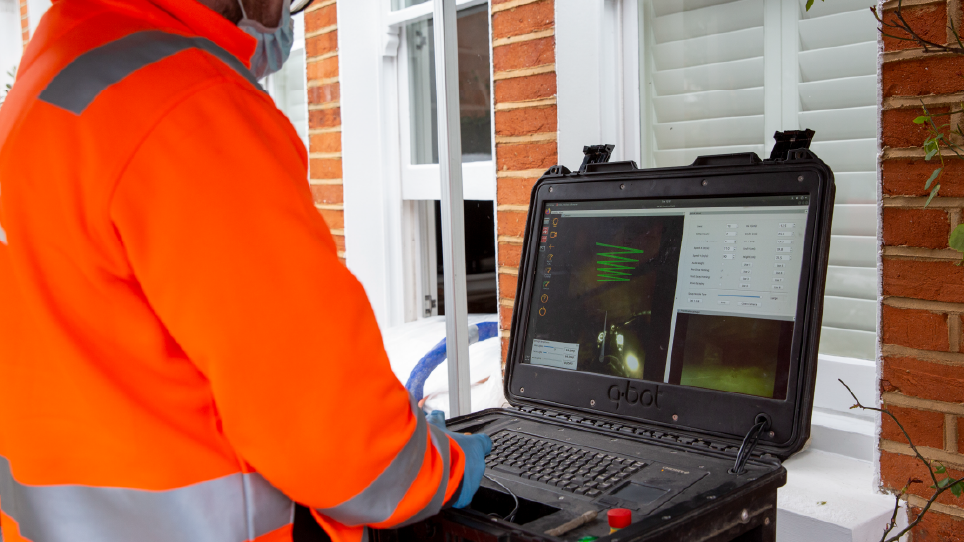
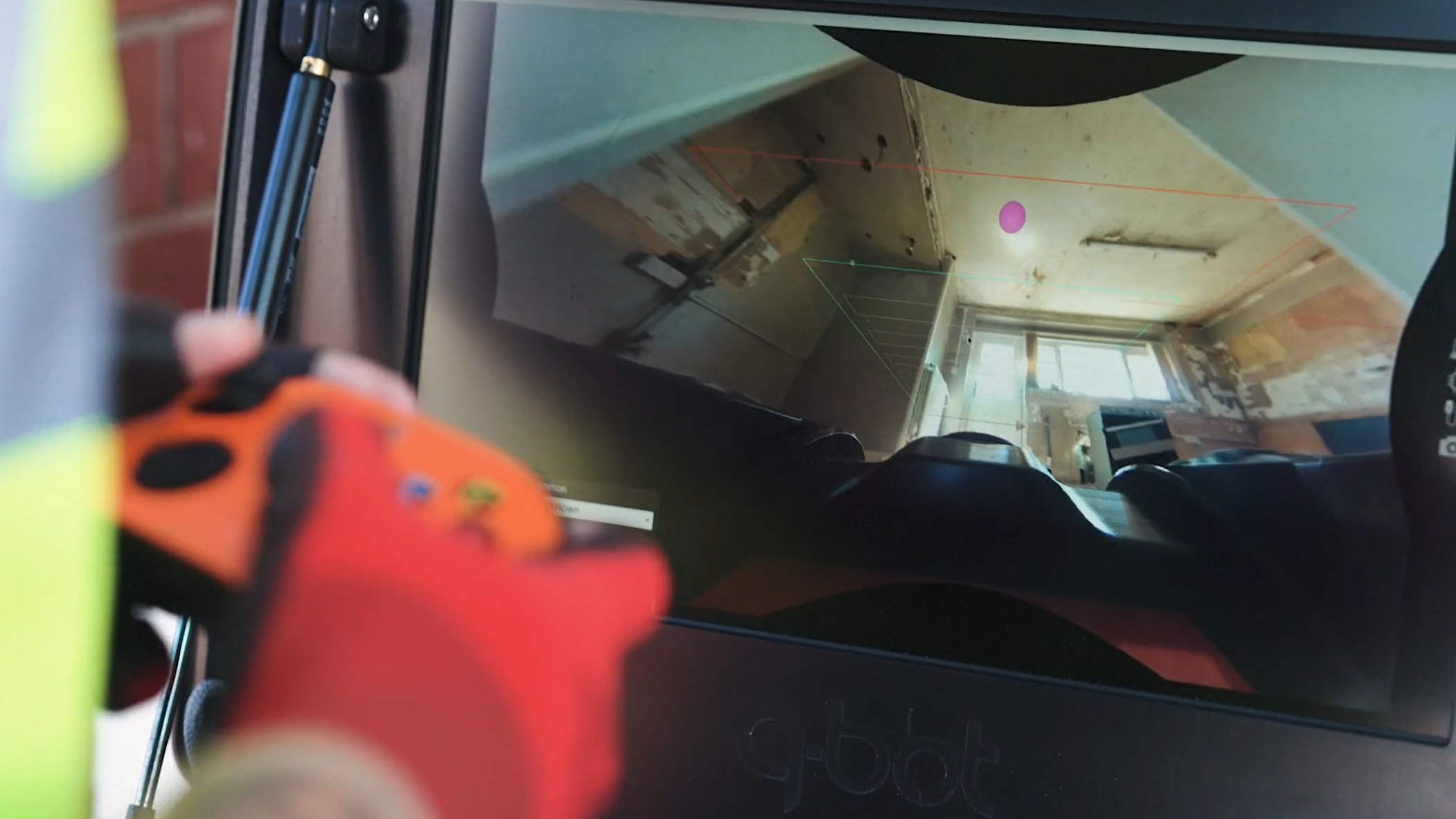
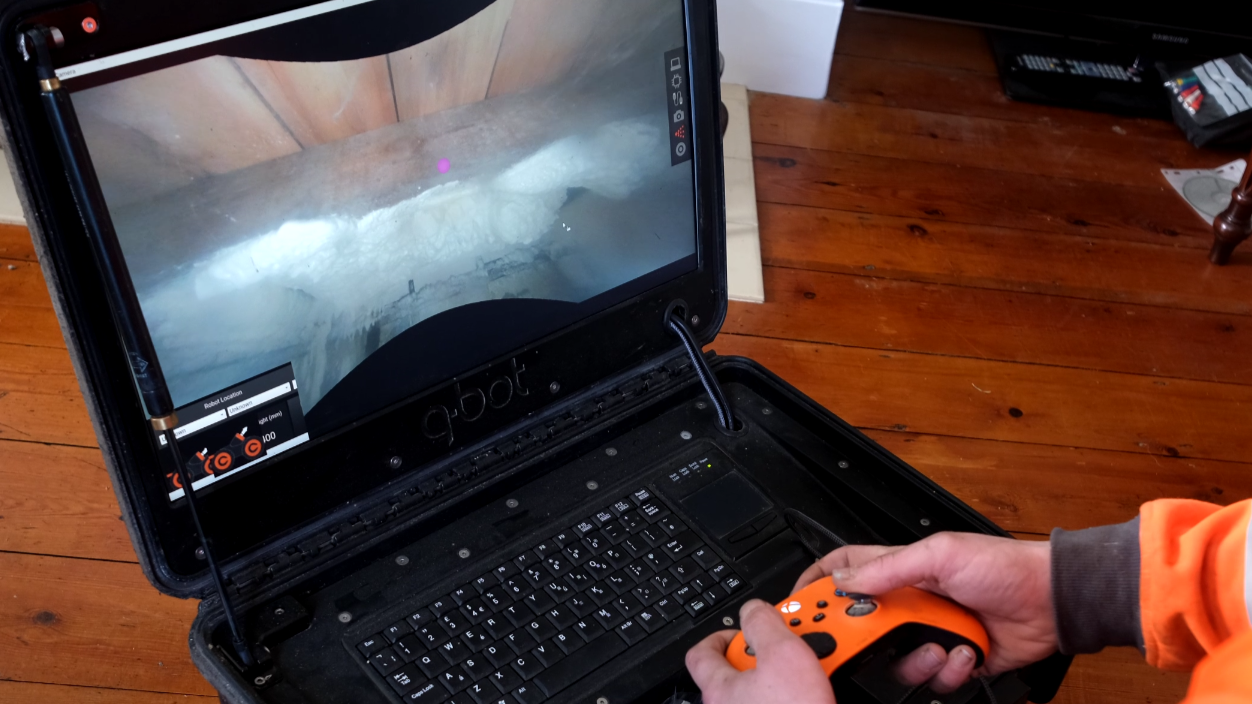
A simpler control model: I consolidated the primary interactions around a single gamepad-style input and brought essential controls into the main camera view. This reduced navigation and let installers keep their attention on the physical environment.
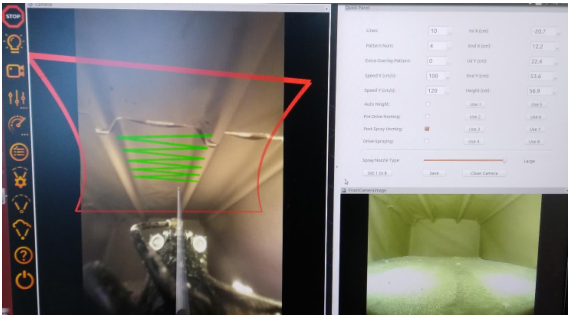
Making automation fit the workflow: The automated spray pattern was rarely used because installers had to position the robot precisely before they could use it, which was often challenging with the amount of obstacles underneath the floor. So, the engineers managed to change the interaction: the ability to rotate the spray pattern to match the joists. This made automation very useful in the situations where it genuinely saved time, while preserving manual control when working around obstacles.
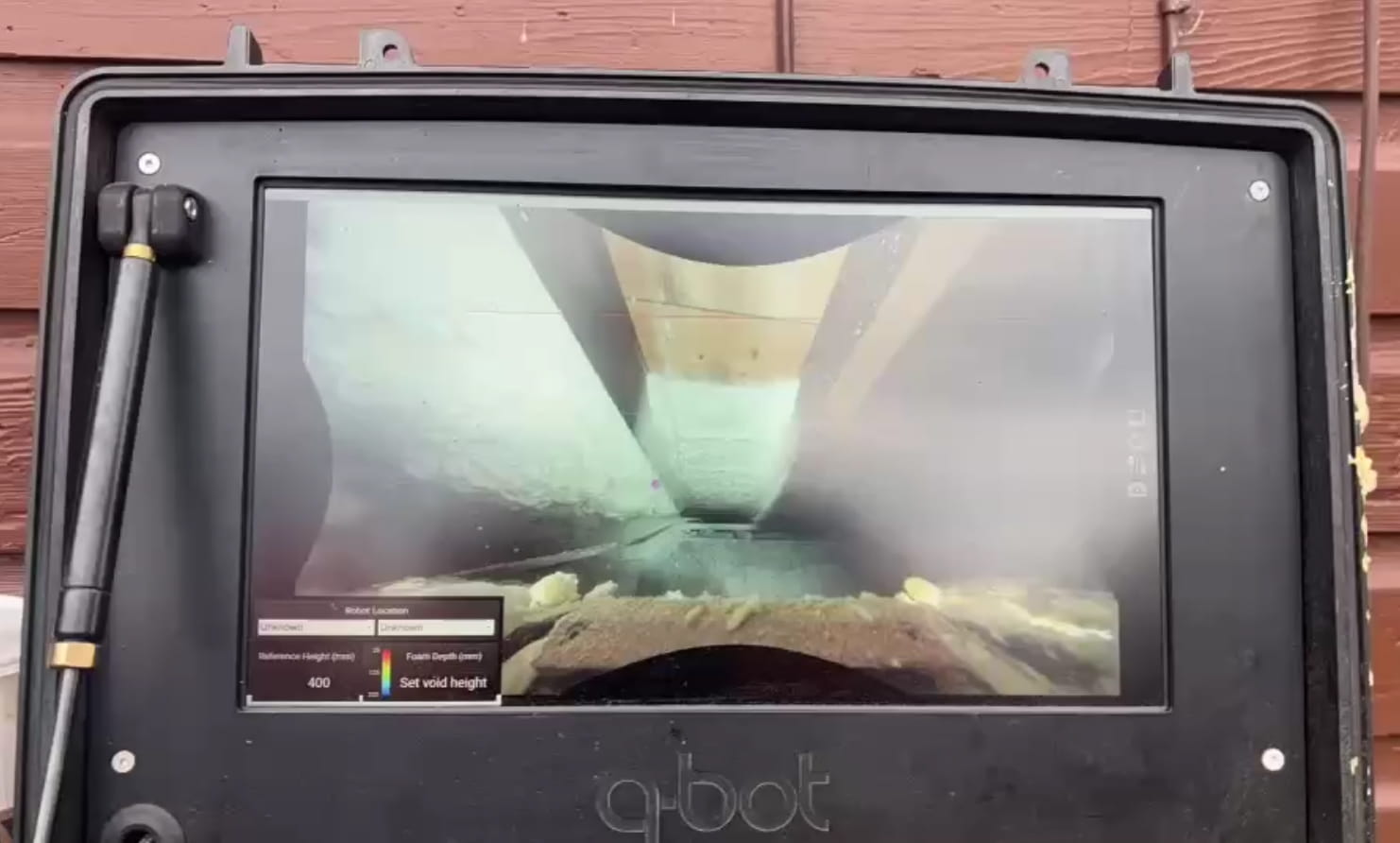
Surfacing the information that mattered: We considered a sophisticated live foam-thickness overlay on the camera feed. We chose not to pursue it because the engineering effort required within ROS wasn't justified by the additional value. Instead, we prioritised a simple thickness readout that gave installers the information they needed at a glance.
Providing robot status feedback: I created a startup status, so installers could understand what the robot was doing without having to interpret the interface or rely on support.
What we chose not to do
We didn't create a complex visual overlay when a simpler readout was sufficient.
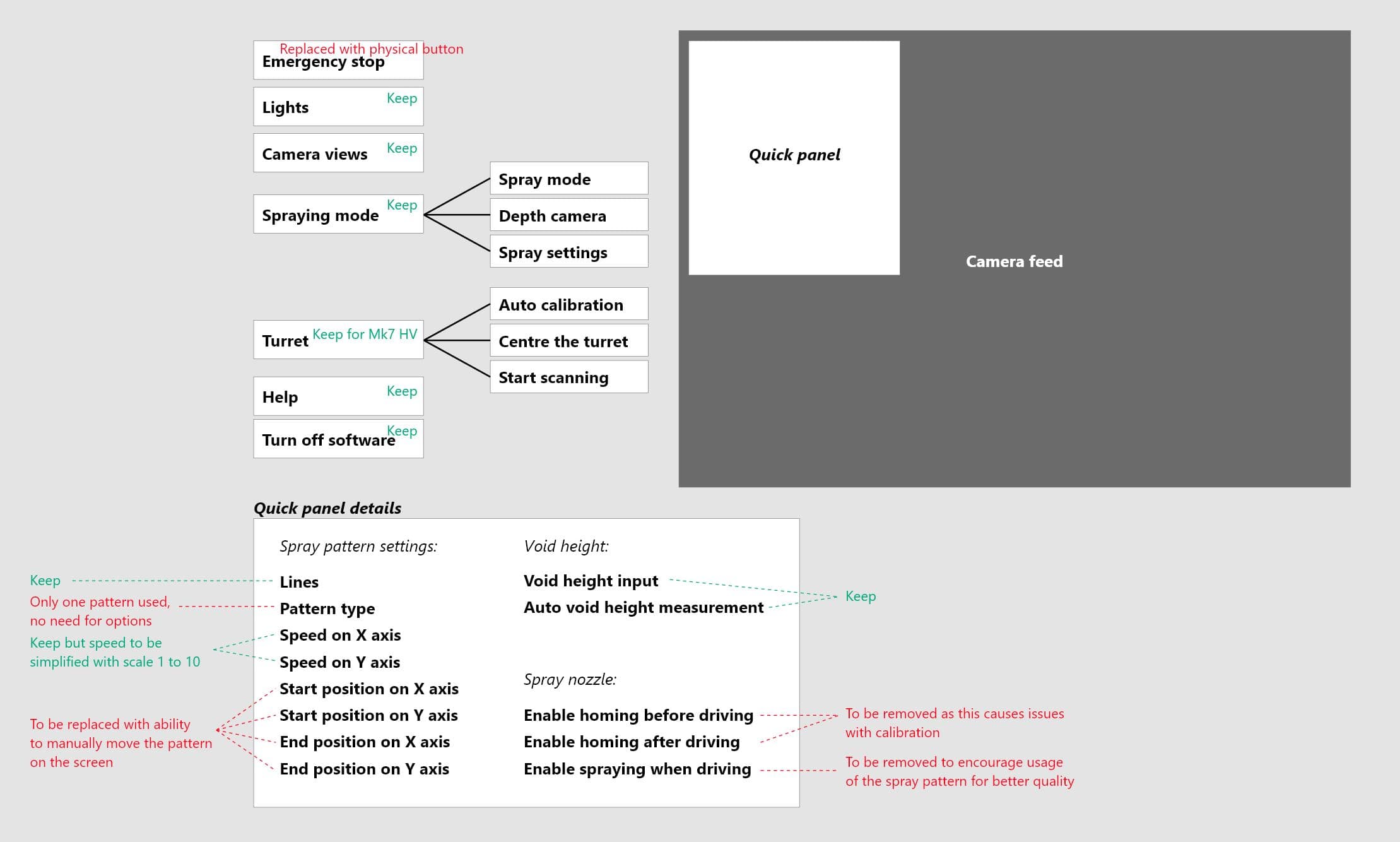
We didn't add new features, we removed the redundant ones.
We didn't optimise for feature adoption, we searched for the underlying usability issue.
From the field
What installers said
The fact that the spray pattern can be rotated makes it a lot easier to fill
areas near walls.
— David, Installer, Mersey Eco Grants
The Mk7 robots are a massive improvement compared to the previous version. The controls are much more user friendly.
— Lee, Installer, Q-Bot
It's quicker and easier to control and the help manual is a great addition.
— John, Installer, Concept Heating
Outcomes
A simpler product built around the job
For the user:
User satisfaction increased from 65% to 92%
Installers reported faster and easier control and switching
Installers have clearer visibility of key information while operating the robot
For the business:
The simpler and scalable information architecture makes the feature management more cost efficient
The new interface reduces language barrier, enabling the company to expand installer partnerships in France
The key shift was from building a better robot interface to building a product that better supported the installation job.
I'm currently building side projects and am always happy to discuss or get involved in problem-solving challenges. Have something in mind? Get in touch.